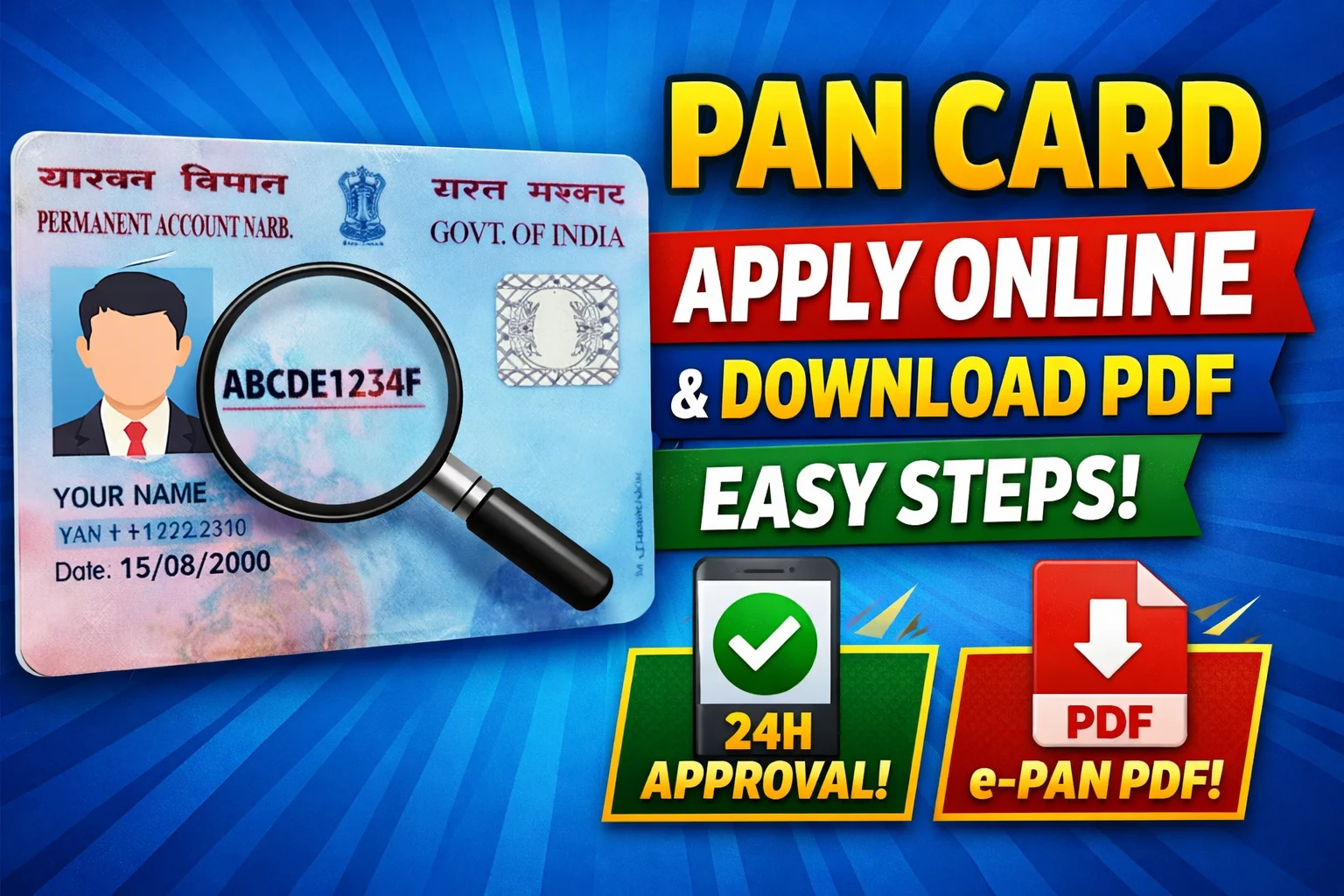
PAN Card is one of the most important documents in India. It is issued by the Income Tax Department. It is required while doing banking transactions and filing income tax returns.
Who Needs a PAN Card?
If you are:
- Wanting to open a bank account
- Earning money (salary, business, or freelancing)
- Wanting to file income tax returns
- Wanting to make investments in stocks or mutual funds
How to Apply PAN Card Online (Step-by-Step)
You can apply online through two official portals:
- NSDL e-Governance (now Protean)
- UTIITSL
Step 1: Visit Official Website
Go to the PAN application website (NSDL or UTIITSL)
Step 2: Choose Application Type
Select:
- New PAN (Form 49A for Indian citizens)
- Correction in PAN (if needed)
Step 3: Fill the Form
Enter details like:
- Full Name
- Date of Birth
- Mobile Number & Email
- Address
Make sure all details match your Aadhaar
Step 4: Submit Documents
You may need:
- Aadhaar Card (best option for e-KYC)
- Voter ID / Driving License
- Passport (optional)
Step 5: Pay Application Fee
- ₹107 (India address)
- ₹1017 (foreign address)
Payment methods:
- UPI
- Debit/Credit Card
- Net Banking
Step 6: Aadhaar OTP Verification
If using Aadhaar:
- Enter OTP received on your mobile
- No need to upload documents manually
Step 7: Acknowledgement Number
After submission:
- You will receive a 15-digit acknowledgement number
- Save it for tracking
PAN Card Delivery Time
- e-PAN (PDF): within 24–48 hours
- Physical PAN card: 10–15 days
How to Download PAN Card PDF (e-PAN)
Once your PAN is generated, follow these steps:
Step 1: Visit e-PAN Download Page
Go to NSDL or UTIITSL e-PAN download section
Step 2: Enter Details
Provide:
- Acknowledgement Number / PAN Number
- Date of Birth
Step 3: OTP Verification
- Enter OTP sent to your Aadhaar-linked mobile
Step 4: Download e-PAN PDF
- Your PAN card PDF will be downloaded
- Open it using password
Password = Your DOB (DDMMYYYY format)
Example:
If DOB is 15 August 2000
Password = 15082000
Is e-PAN valid everywhere?
Yes, e-PAN is equally valid as a physical PAN card.
Can I apply PAN for free?
Yes, instant e-PAN via Aadhaar (on Income Tax portal) is free.
What if I lost my PAN card?
You can download e-PAN anytime or request reprint.
Do I need PAN for bank account?
Yes, it is required for most banking transactions.

About the Author
My name is Manuj Saikia. I share simple and useful guides related to government services on the eDistrict Assam website.
My aim is to help people understand online services easily and get their work done on their own.