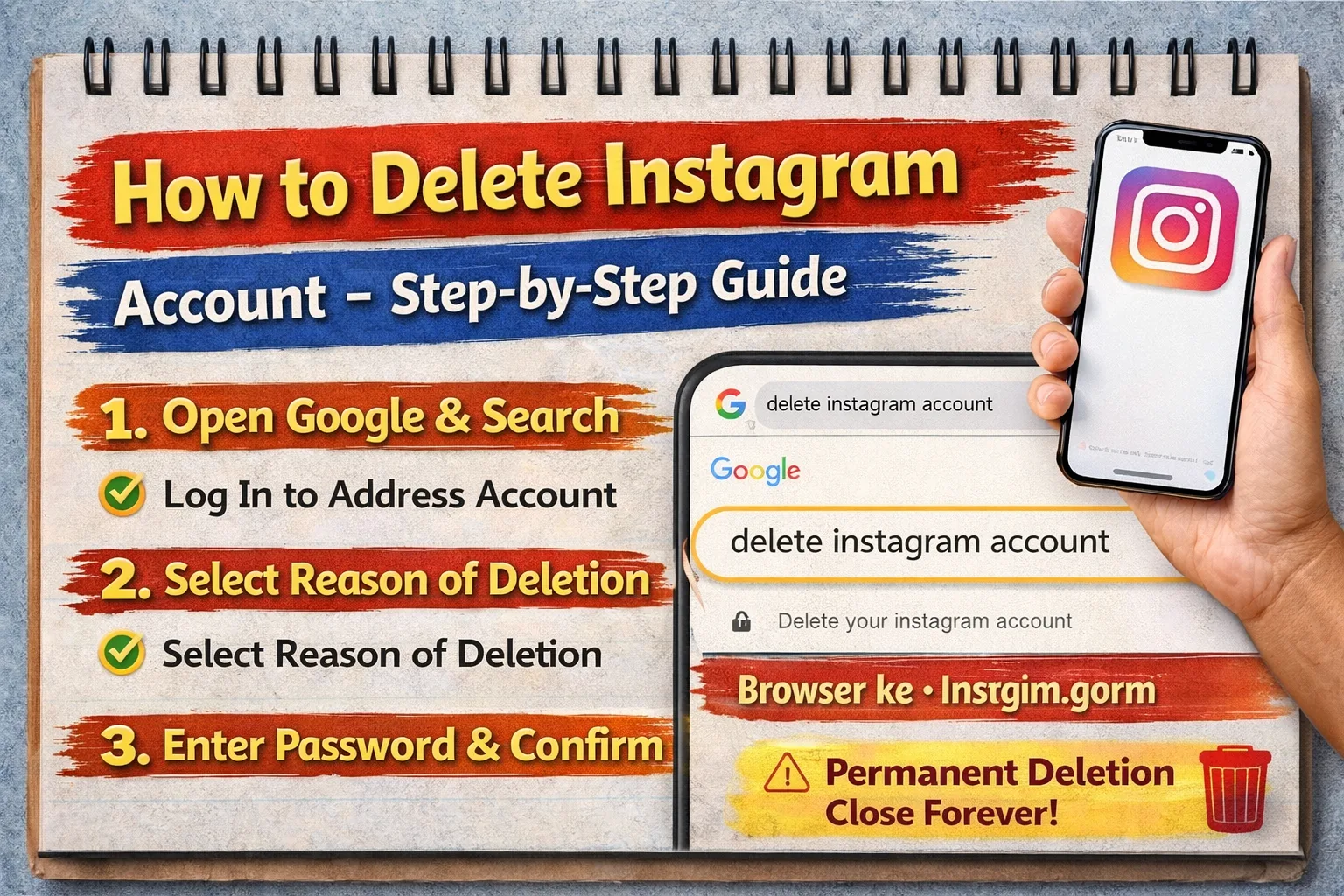
Agar aap soch rahe ho ki Instagram account delete kaise kare, toh aap bilkul sahi jagah pe ho
Sach bolo toh, aaj kal bohut log social media se break lena chahte hai — kabhi study ke liye, kabhi mental peace ke liye.
Main bhi aise students dekha hu jo bolte hai: “bhai, padhai karna hai but Instagram distract kar raha hai…”
Agar apuni bhi same situationot ase, then deleting account ek smart decision ho sakta hai.
Is guide me main aapko bilkul simple way me samjhaunga — how to delete instagram account permanently aur temporary disable ka option bhi. Step-by-step, no confusion.
Instagram Account Delete vs Deactivate (Difference Samjho Pehle)
Delete karne se pehle yeh samajhna important hai:
| Option | Kya hota hai |
|---|---|
| Delete Account | Account permanently remove ho jata hai |
| Deactivate Account | Temporary hide ho jata hai |
Assamese me:
- Delete = completely hatai diya
- Deactivate = temporary lukai rakha
Warning:
Agar aap delete kar dete ho, toh:
- Photos, videos, followers sab delete ho jayega
- Wapas nahi milega
How to Delete Instagram Account (Step-by-Step)
Ab main aapko simple steps batata hoon 👇
Method 1: Using Browser (Best Method)
👉 Mobile app se direct delete option nahi milta easily, isliye browser use karo.
Steps:
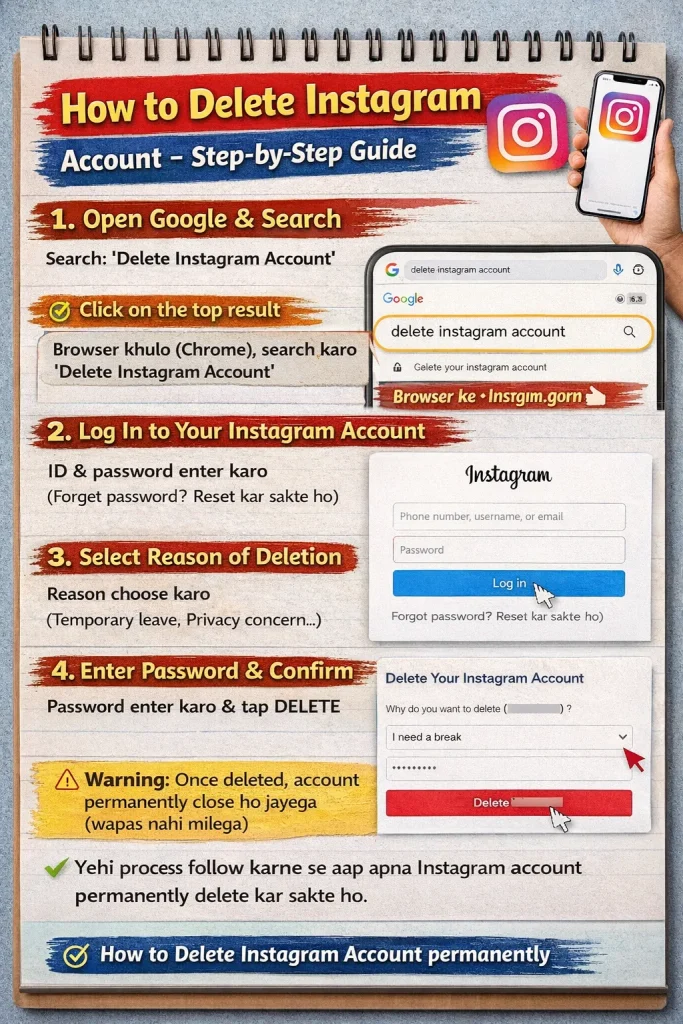
- Open browser (Chrome, etc.)
- Go to Instagram website
- Login your account
- Search: Delete Instagram Account page
- Select reason (why you are deleting)
- Enter your password
- Click on Delete
👉 Bas ho gaya ✔️
Direct Process (Simple Explanation)
- Login karo
- Reason select karo
- Password enter karo
- Confirm delete
👉 Itna hi simple hai 😄
How to Deactivate Instagram Account (Temporary)
Agar aap permanently delete nahi karna chahte, toh deactivate better option hai.
Steps:
- Instagram login karo browser me
- Profile me jao
- Edit Profile click karo
- Scroll down
- “Temporarily disable my account” pe click karo
- Reason select karo
- Password enter karo
- Done ✔️
👉 Account hide ho jayega, baad me login karoge toh wapas aa jayega
Real-Life Advice (Important)
Dekho, agar aap pehli baar account delete kar rahe ho, toh ek baar soch lo:
👉 Kya aapko sach me permanently delete karna hai?
👉 Ya sirf break lena hai?
Bohut students impulsively delete kar dete hai, baad me regret hota hai
Common Mistakes to Avoid
Yeh mistakes mat karna ❌
1. Backup nahi lena
- Photos important ho sakta hai
👉 Pehle download data kar lo
2. Password bhool jana
- Delete ke time password chahiye
👉 Ensure password yaad ho
3. Wrong option choose karna
- Deactivate vs Delete confuse ho jata hai
👉 Dhyan se select karo
4. Jaldi me decision lena
- Emotional decision ❌
👉 Thoda time lo, fir decide karo
Final Advice (Friendly Talk)
Dekho bhai, social media use karna galat nahi hai, but control hona chahiye.
Agar aapko lag raha hai ki Instagram aapka time waste kar raha hai, then action lena sahi hai
Agar aap pehli baar try kar rahe ho:
👉 Pehle deactivate karo
👉 Fir decide karo delete karna hai ya nahi
Aur haan — agar padhai ya job preparation kar rahe ho, toh distraction kam karna hi best move hai